• Skip to main content

DayBack

The Calendar You've Been Waiting For

  • Scheduling Platform
    • Salesforce Calendar
    • Overview
    • Field Service Scheduling
    • Call Center and Med Spa Scheduling
    • Calendar Sharing in Salesforce
    • Online Booking for Salesforce
    • FileMaker Calendar
    • Supabase Calendar
    • Epic and EHR Calendars
    • Other Integrations
      • For Google Calendar
      • For Google Sheets
      • For Microsoft 365
      • For Basecamp
    • Custom Salesforce Development
  • Extensions
  • Pricing
  • Blog
  • Support
    • Contact Us
    • Support Options
    • Documentation
    • Documentation for DayBack Classic (older)
    • Custom Salesforce Development
    • Implementation Packages
    • Latest Updates
    • Server Status
  • About
    • About Us / Mission
    • Team & Community
    • Careers
    • Timelines
      • Overview
      • History of the polio vaccine
      • Women’s Suffrage
      • Science Fiction
      • Your Vote in Context: the 2020 US Elections
      • History of Claris FileMaker
  • +1 (855) 733-3263
  • Sign In

Filtering, Sorting and Permissions

Feb 04 2022

Change Behavior when Special Keys are Pressed

This is a pair of actions that a DayBack developer can use to listen for when a particular key combination is being pressed. Any of your custom event actions can be modified to perform a different set of functions when your desired key combination is being held down or pressed.

Written by

Feb 04 2022

Open DayBack to User-Specific Bookmarks

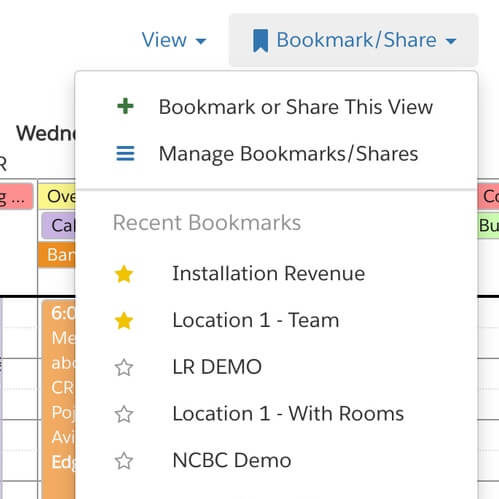
Go to a specific bookmark when DayBack first opens. This can be set company-wide, by individual user, or by role to give each person the exact schedule view they need.

Written by

Feb 04 2022

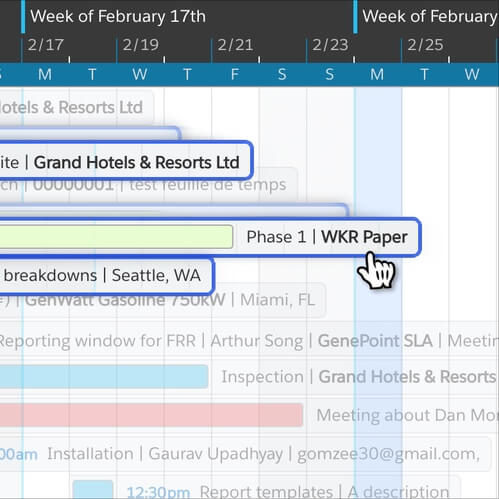
Select and Drag Multiple Events

This is a built-in feature. You can Shift-Click to select multiple events and then drag them to a new date, time, or resource.

Written by

Feb 04 2022

Remove Attendees when Duplicating Google Calendar Events

When using Drag and Drop to duplicate an event, this event action will remove the attendees on the newly created events.

Written by

Feb 04 2022

Select Related Events Automatically – Smart Multi-Select

An example custom version of Multi-Select that selects items with the same contact, resource, or any other custom filters criteria that you specify.

Written by

  • « Go to Previous Page
  • Go to page 1
  • Go to page 2
  • Go to page 3
  • Go to page 4
  • Go to page 5
  • Go to page 6
  • Go to Next Page »

  • Facebook
  • Instagram
  • LinkedIn
  • Vimeo

© SeedCode, Inc. 2013–2026
+1 (855) 733-3263
who shot this?

X

View Details
Keep me informed
Which calendar sources interest you?
Interested in a calendar source we haven't listed? Have a question for us? Please let us know.
Loading