• Skip to main content

DayBack

The Calendar You've Been Waiting For

  • Scheduling Platform
    • Salesforce Calendar
    • Overview
    • Field Service Scheduling
    • Call Center and Med Spa Scheduling
    • Calendar Sharing in Salesforce
    • Online Booking for Salesforce
    • FileMaker Calendar
    • Supabase Calendar
    • Epic and EHR Calendars
    • Other Integrations
      • For Google Calendar
      • For Google Sheets
      • For Microsoft 365
      • For Basecamp
    • Custom Salesforce Development
  • Extensions
  • Pricing
  • Blog
  • Support
    • Contact Us
    • Support Options
    • Documentation
    • Documentation for DayBack Classic (older)
    • Custom Salesforce Development
    • Implementation Packages
    • Latest Updates
    • Server Status
  • About
    • About Us / Mission
    • Team & Community
    • Careers
    • Timelines
      • Overview
      • History of the polio vaccine
      • Women’s Suffrage
      • Science Fiction
      • Your Vote in Context: the 2020 US Elections
      • History of Claris FileMaker
  • +1 (855) 733-3263
  • Sign In

Filtering, Sorting and Permissions

Feb 10 2023

One Click Resource Filters – Buttons and Dropdowns

Adds enhanced resource filters to the sidebar. Filters can be set up as One-click Filter Buttons or Multi-Select dropdowns of related resource tags. App action allows the click filtering of resources based on a previously-defined set of tags.

Written by

Mar 04 2022

Filter Resources for Each Calendar using Tags

Only show the relevant Resources for each Calendar when editing events

Written by

Feb 25 2022

Add Buttons to Call Scripts in FileMaker
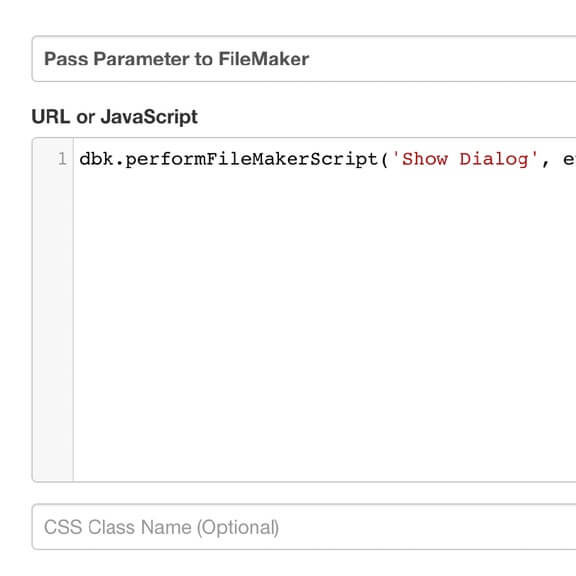
A series of examples shows you how to add buttons to DayBack to run a FileMaker scripts.

Written by

Feb 17 2022

Validate that Fields are not Blank

Specify fields in which you would like to validate. If a specified field is left empty, a notice will pop up notifying the user and allowing them to continue editing or to save the event with the empty fields.

Written by

Feb 11 2022

Cascade Changes through Related Events
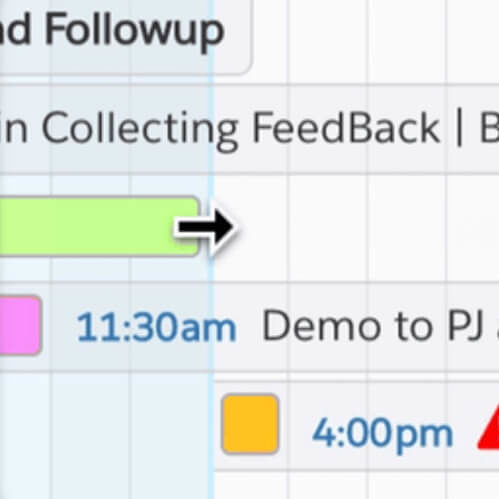
Create cascading events by linking events with dependencies. If one event’s schedule changes, all dependent events will also reflect that change.

Written by

  • « Go to Previous Page
  • Go to page 1
  • Go to page 2
  • Go to page 3
  • Go to page 4
  • Interim pages omitted …
  • Go to page 6
  • Go to Next Page »

  • Facebook
  • Instagram
  • LinkedIn
  • Vimeo

© SeedCode, Inc. 2013–2026
+1 (855) 733-3263
who shot this?

X

View Details
Keep me informed
Which calendar sources interest you?
Interested in a calendar source we haven't listed? Have a question for us? Please let us know.
Loading