Enhancing Task Management
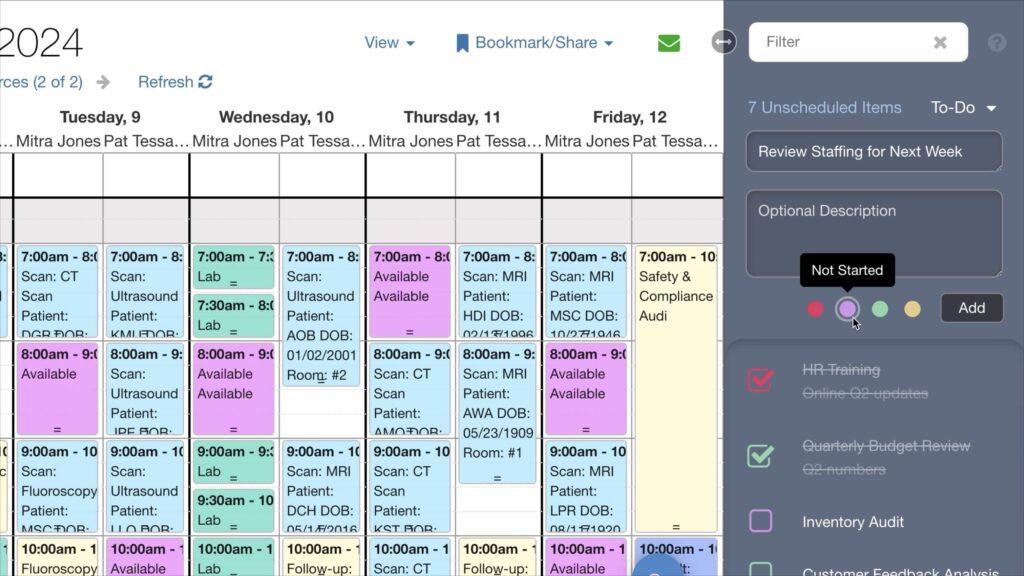
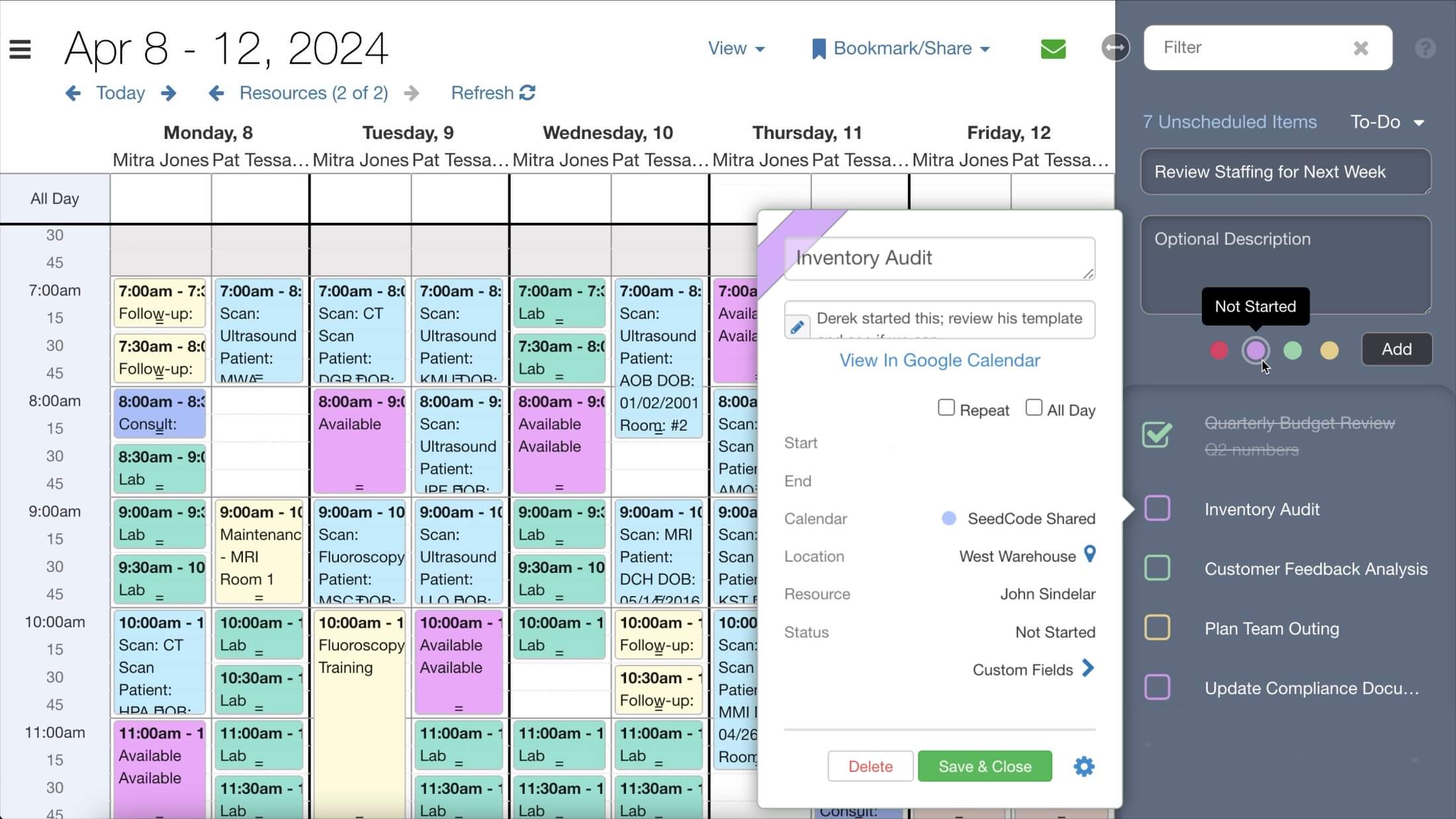
We’re excited to unveil a new extension for DayBack Calendar: the ability to create and manage to-do lists directly from the Unscheduled Items sidebar. This enhancement aims to streamline your productivity by enabling you to create color-coded to-do lists for yourself or assign tasks to others in your organization. You can easily prioritize tasks using drag-and-drop, check items off as you complete them, or drag items from your to-do list into the calendar to schedule them.
Even option-drag items from the to-do list to duplicate the record, so you can schedule multiple work sessions for the same item.
To-Do Lists: Easy Sorting and Quick Access
The to-do list offers seamless integration with your Salesforce objects or FileMaker records, allowing you to import existing to-do lists into the Unscheduled Items sidebar in your predefined sort order. Alternatively, you can swiftly create new to-do items directly from the sidebar by clicking “Todo +.”
To-Do Details
To-do items inherit their color from the status of the underlying event record, allowing for a visual representation of status or to-do category at a glance. You can define the default settings for new to-dos, such as calendar name, event duration, and status, ensuring consistency and clarity in your schedule when you drag to-do items into your primary calendar.
To-Dos have all the properties of the source calendars, including custom fields and related contacts or projects, so you can filter to-dos just like you filter the main calendar.
Add To-Do Lists to Your DayBack
If you haven’t already enabled the unscheduled sidebar along DayBack’s right edge, you can learn how to turn that on here: unscheduled items in DayBack.
The code for the to-do list app action is available in our Extensions Library, allowing you to modify the default behaviors to meet your custom specifications. Inside the app action, configuration variables enable you to manage several flags and options:
Settings and Options
Sorting Unscheduled Items: We previously released an upgrade that allows you to sort unscheduled events using drag and drop. A configuration flag allows you to optionally extend the same drag-and-drop sorting capabilities to your regular unscheduled events alongside your to-do items.
New To-Do Item Placement: Newly added to-dos can be set to appear either at the top or the bottom of your unscheduled items list, depending on your preference.
Required Custom Fields: To enable to-do lists, drag-and-drop sorting, and to-do checkbox status, you must define the following custom fields in the custom fields section of your calendar settings:
- Sort Sequence: Stores the sort order of an unscheduled event or to-do event.
- To-Do Item Flag: A checkbox field indicating whether an event is a to-do event.
- To-Do Item Status: A checkbox field indicating whether a to-do event is complete.
Sound Notifications: Enable audio confirmations for changes to to-do items, adding an auditory cue to your task management.
Item Name Customization: If you prefer to refer to these items as “Tasks” instead of “To-Do” items, you can change the name the action will use in the message alerts and menu names used in the sidebar.
Status Options: Manage a short list of to-do categories by specifying the list of status codes you wish to provide in the to-do item creation menu. In this example, we’ve added five to-do item categories based on the statuses ‘Hot,’ ‘Not Started,’ ‘In Progress,’ ‘Planned,’ and ‘Deferred.’
Download and Installation
Ready to streamline your task management? Download the new to-do list feature and integrate it into your DayBack Calendar. If you need help customizing this feature to better suit your workflow, please get in touch. We’re here to help you make the most out of DayBack.
Leave a Reply