• Skip to main content
  • Skip to primary sidebar

DayBack

The Calendar You've Been Waiting For

  • Scheduling Platform
    • Salesforce Calendar
    • Overview
    • Field Service Scheduling
    • Call Center and Med Spa Scheduling
    • Calendar Sharing in Salesforce
    • Online Booking for Salesforce
    • FileMaker Calendar
    • Supabase Calendar
    • Epic and EHR Calendars
    • Other Integrations
      • For Google Calendar
      • For Google Sheets
      • For Microsoft 365
      • For Basecamp
    • Custom Salesforce Development
  • Extensions
  • Pricing
  • Blog
  • Support
    • Contact Us
    • Support Options
    • Documentation
    • Documentation for DayBack Classic (older)
    • Custom Salesforce Development
    • Implementation Packages
    • Latest Updates
    • Server Status
  • About
    • About Us / Mission
    • Team & Community
    • Careers
    • Timelines
      • Overview
      • History of the polio vaccine
      • Women’s Suffrage
      • Science Fiction
      • Your Vote in Context: the 2020 US Elections
      • History of Claris FileMaker
  • +1 (855) 733-3263
  • Sign In

Salesforce

Jan 30 2021

Using Salesforce Attendees and Google Notifications in DayBack

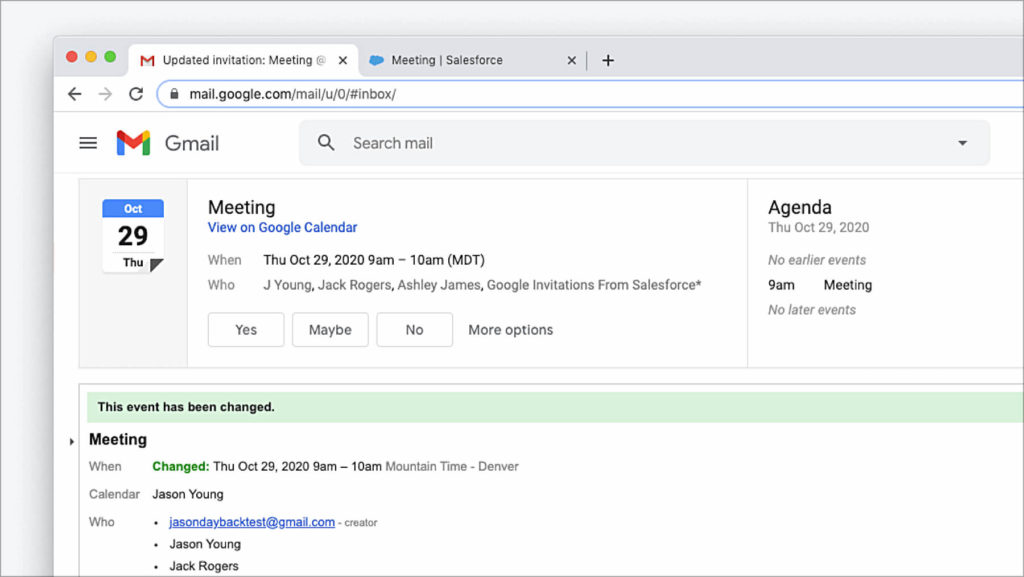
Part 3 of 3 on creating attendees, invitations, and accepting invitations in DayBack. In two previous articles, we looked at using DayBack to send Google notifications from any calendar and using DayBack to share events in Salesforce using the event’s Attendees relationship. In this article, we’re going to combine these two techniques and send Google email notifications to our Salesforce […]

Written by Jason Young · Categorized: Dev, Salesforce · Tagged: Attendees, Custom Actions, For Developers, Salesforce

Dec 05 2020

Attendees & Shared Events in Salesforce Calendars

Part 2 of 3 on creating attendees, invitations, and accepting invitations in DayBack. In Salesforce, the standard Event object supports a single owner by default. In DayBack, it’s typical to map the owner of the standard Event as the resource so individuals in the organization have their own row or column in DayBack’s resource scheduling grids. […]

Written by Jason Young · Categorized: Dev, Salesforce · Tagged: Attendees, Custom Actions, For Developers, Salesforce

Nov 14 2020

Sending Google Calendar Notifications from DayBack

Part 1 of 3 on creating attendees, invitations, and accepting invitations in DayBack. Why Use Google to Send Notifications? Email notifications were built into Salesforce Classic, but they’re getting harder to do in Lightning. Having Google Calendar send notifications for your Salesforce events is a great alternative. Even FileMaker developers, who have always been able to […]

Written by Jason Young · Categorized: Dev, Integrations, New Features, Salesforce · Tagged: Attendees, Custom Actions, For Developers, Salesforce

Nov 03 2020

Using DayBack with Salesforce Scheduler Part 2 – Appointment Availability
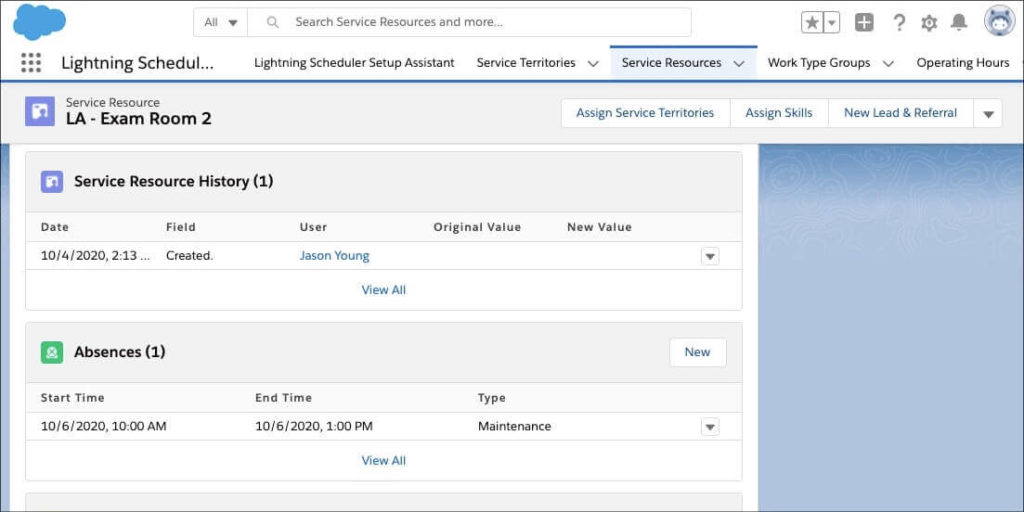
This is the second in a series of posts integrating DayBack Calendar with the Salesforce Scheduler app. In part one, we looked at how to customize DayBack to reflect Salesforce Scheduler’s data model. This article will examine how to display a particular Service Resource’s availability in DayBack when scheduling a Service Appointment. With this integration […]

Written by Jason Young · Categorized: Dev, Integrations, Salesforce · Tagged: For Developers, Resource scheduling, Salesforce

Oct 26 2020

Extending Salesforce Scheduler with DayBack –Part 1, Resource Scheduling
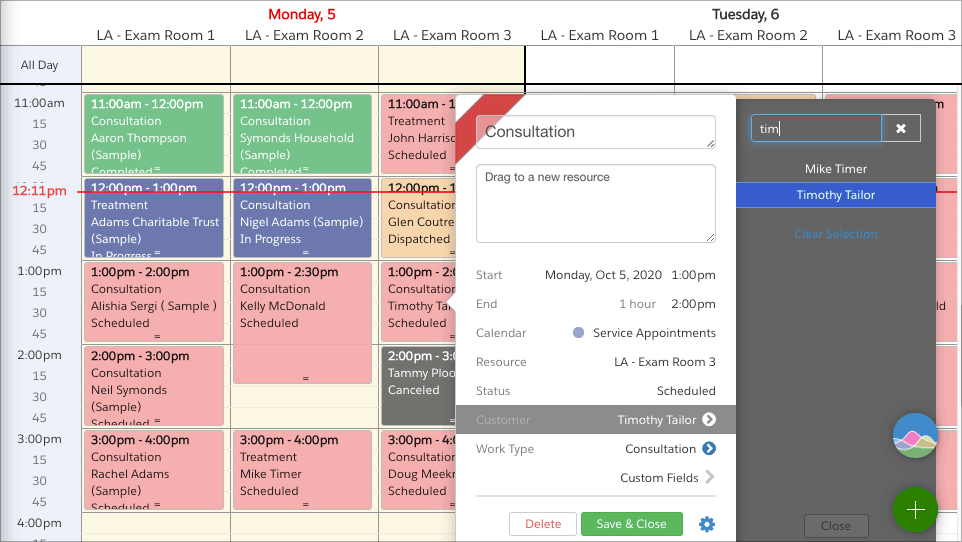
This is the first of two articles on using DayBack Calendar with Salesforce Scheduler. DayBack can be used to visually schedule Salesforce Scheduler’s Service Appointments with an elegant drag-and-drop interface, custom workflows, and scheduling analytics. A Better Service Dispatch Console for Salesforce In this article, we’ll look at working with relating Salesforce Scheduler’s Service Appointments […]

Written by Jason Young · Categorized: Dev, Salesforce · Tagged: For Developers, Resource scheduling, Salesforce

  • « Go to Previous Page
  • Go to page 1
  • Go to page 2
  • Go to page 3
  • Go to page 4
  • Go to page 5
  • Go to page 6
  • Interim pages omitted …
  • Go to page 9
  • Go to Next Page »

Primary Sidebar

Search

Latest Posts

  • A Faster Salesforce Mobile Calendar
  • Visual Buffers: See Your Actual Capacity
  • Adding Jobs to a Route in Salesforce
  • Scheduling Teams and Equipment
  • Visualize Skill Matching and Suitability

Pinned Posts

  • Scheduling Recommendations in Salesforce
  • Scarcity: the Science of Resource Scheduling
  • Calendars Tell Stories
  • Time Shame – Plan Your Day Like a Road Trip
  • We Can’t See Late

I'm Interested

  • Facebook
  • Instagram
  • LinkedIn
  • Vimeo

© SeedCode, Inc. 2013–2026
+1 (855) 733-3263
who shot this?

X

View Details
Keep me informed
Which calendar sources interest you?
Interested in a calendar source we haven't listed? Have a question for us? Please let us know.
Loading